Pick a destination
Search anywhere, select a point on the map, or use your current location. You can create a capsule without being there.

Lock a message or photo to a place. Reveal it in GeoCapsule when a fresh location check confirms you are inside the opening area. With Pro, add an opening date too.

One capsule free. Optional one-time Pro upgrade.
Take a closer look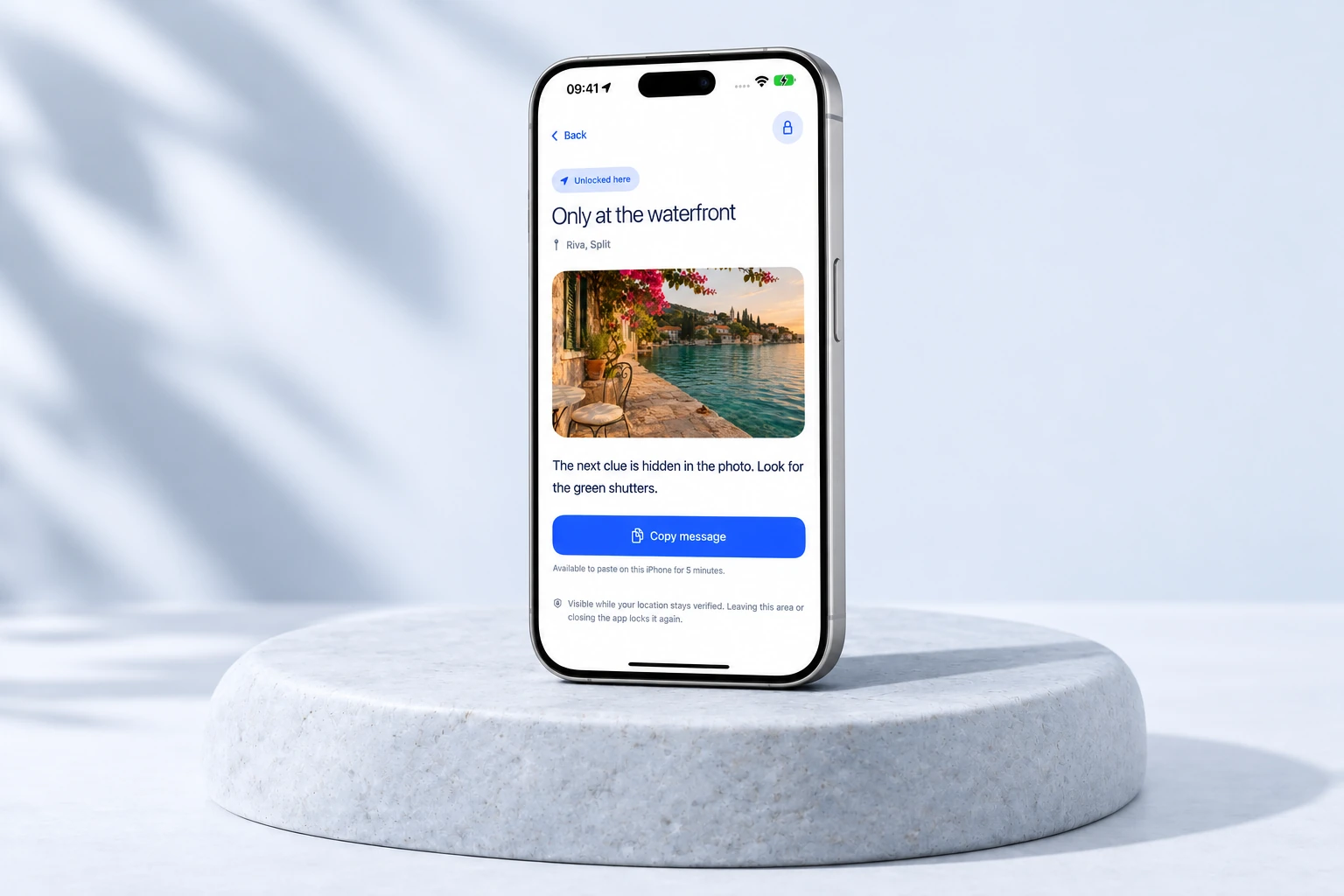
From 100 m to 100 km.
Keys managed automatically for you.
No capsule sharing or public feed.
Simple by design
A few steps from your content
to its chosen destination.
Search anywhere, select a point on the map, or use your current location. You can create a capsule without being there.
Add a message, a photo, or both. Choose your opening radius. Pro can add an opening date and time.
Reach the area and any selected date. A fresh, precise location check reveals the content; leaving the area or the app locks it again.
Made for the reveal
A clear view of your capsules,
from creation to opening.
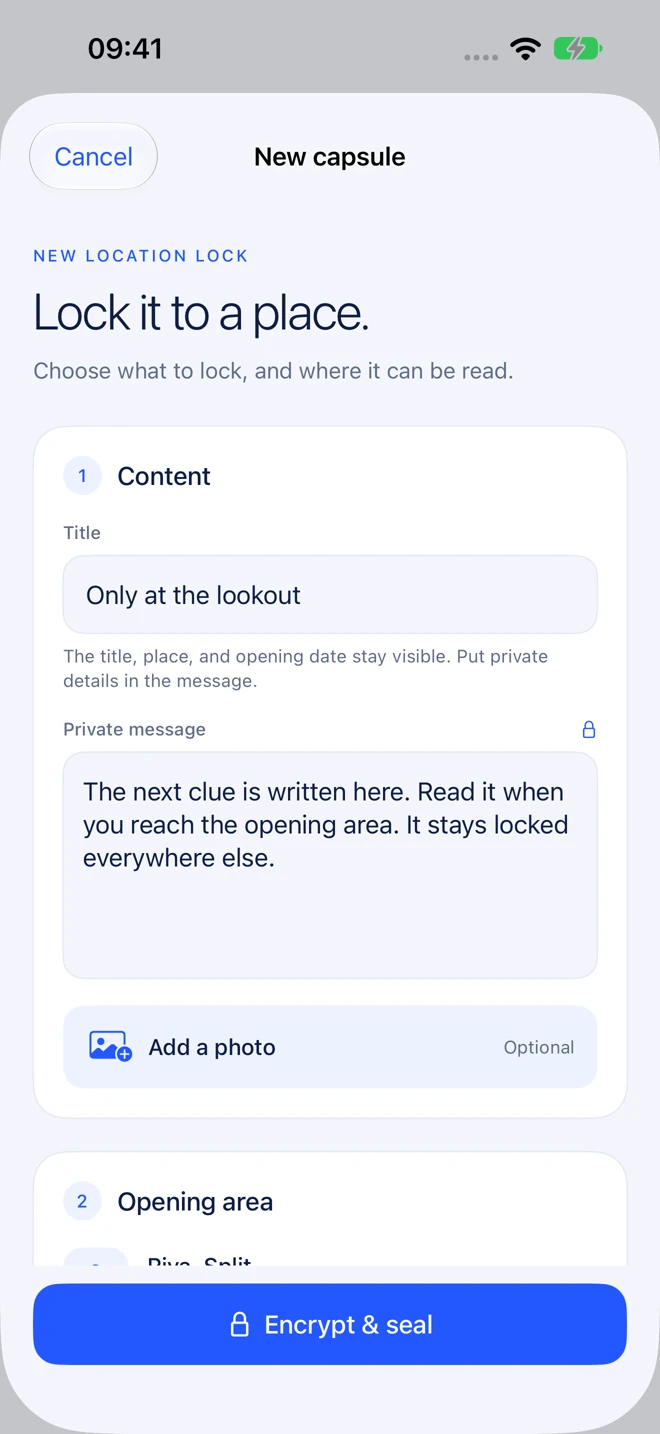
Set a destination on the map.
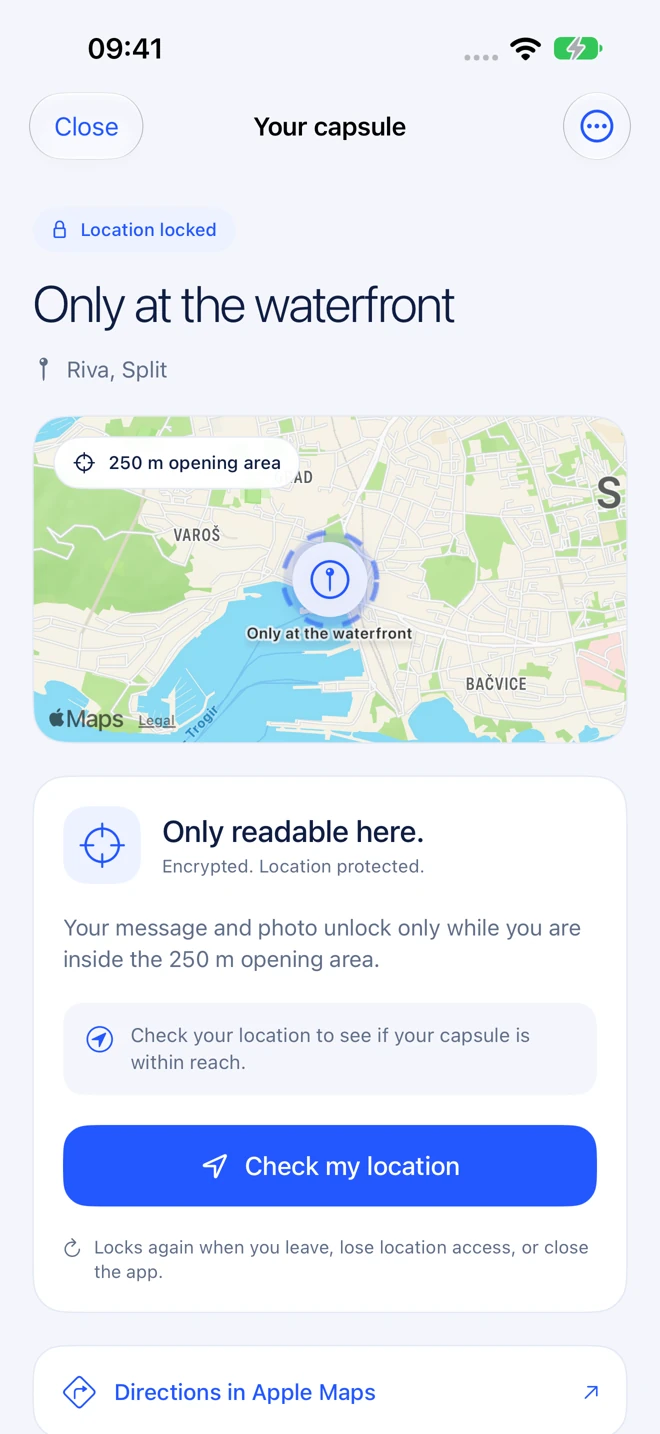
See the destination and distance.
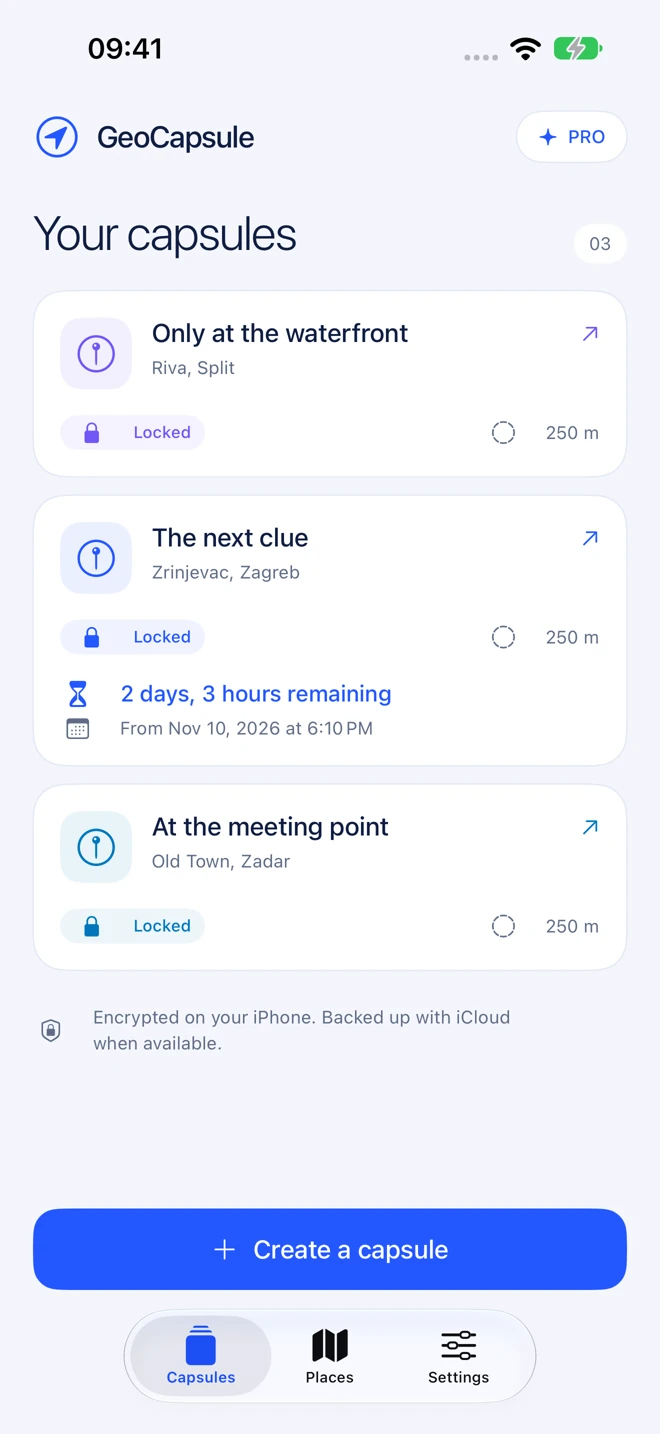
Opening dates still require location.
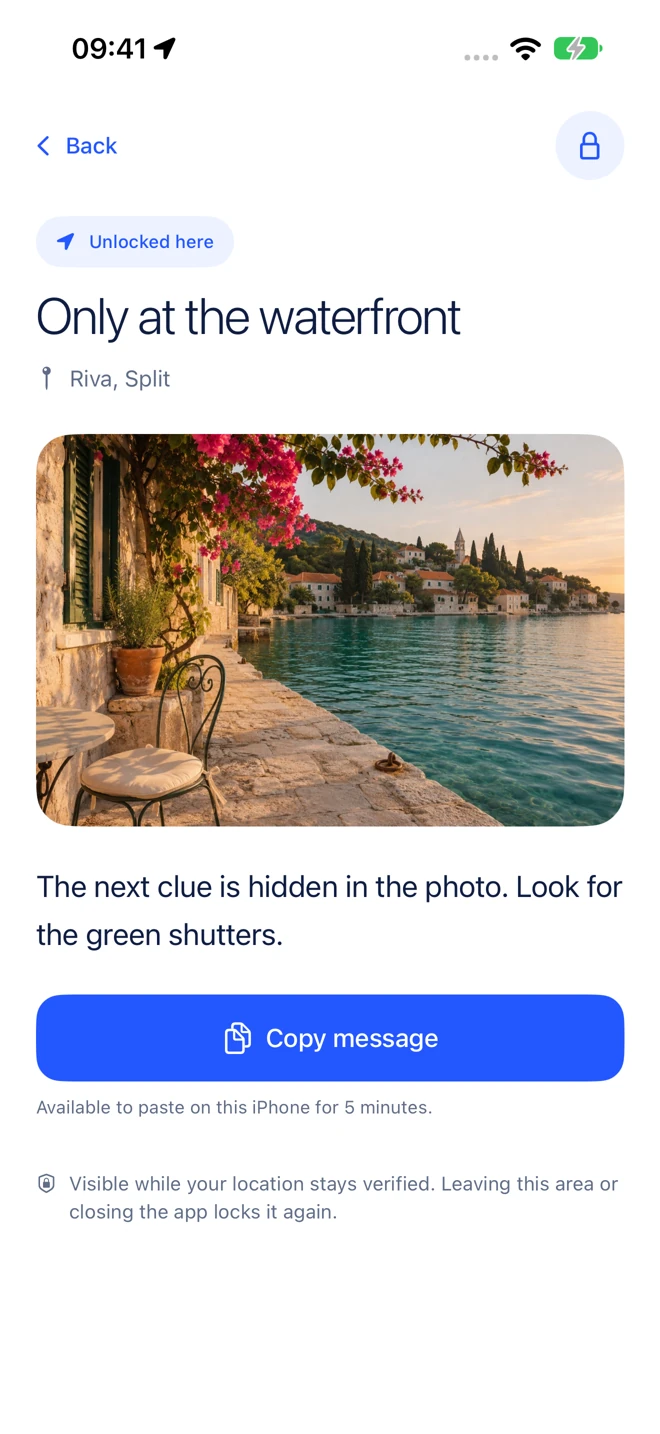
Read it while your access stays valid.
Made for real life
Keep a destination-specific message or photo hidden until you reach its opening area.
With Pro, combine a place and an opening date. The countdown helps you see when the date arrives.
An opening animation leads into the full-screen reveal. Leave the place or the app, and it locks again.
Your content stays yours
Messages and photos are encrypted before saving. Keys live separately in Apple Keychain, and iCloud Drive can keep the latest encrypted backup in your own account. There are no keys or passphrases to manage.
Read the privacy policyMESSAGE + PHOTO
Encrypted before saving
TITLE + PLACE + OPENING DATE
Visible so you can find your capsule
ENCRYPTION KEYS
Managed separately in Apple Keychain
YOUR BACKUP
Latest snapshot in your own iCloudFree to start. Room to grow.
Create your first capsule free.
Upgrade when you need more.
One capsule. Location-based opening.
One purchase. No subscription.
iPhone with iOS 17 or later. Pro is US $4.99; local App Store pricing is shown before purchase. Existing dated capsules keep their original conditions and remain readable without Pro. Opening dates follow your iPhone’s clock.
Yes. Search for a place, select a point on the map, or use your current location. You do not have to be there to create it. Choose a safe, accessible place and an opening radius of 100 m, 250 m, 500 m, 1 km, 10 km, or 100 km.
No. Content is visible in GeoCapsule only while a fresh, precise location check remains valid and any opening date has arrived. Leaving the opening area, leaving the app, or losing a reliable location reading hides it again.
Pro lets you add an opening date and time to new capsules. Home shows time remaining, then Opening date reached. The location requirement still applies. Dates use your iPhone’s clock and cannot be edited after sealing. Changing the device clock can affect availability; GeoCapsule does not use a trusted time server. Existing dated capsules keep their original conditions and remain readable without Pro.
GeoCapsule does not offer capsule sharing, invitations, or a public feed. Your collection stays in your app and your own iCloud storage.
Yes. Tap Copy message while the content is currently unlocked. The text goes onto this iPhone’s local-only clipboard for five minutes, without Universal Clipboard sharing. Text pasted elsewhere remains outside GeoCapsule’s location lock and is not removed by the clipboard expiry.
Messages and photos are encrypted. Keys are managed automatically in Apple Keychain, separately from capsule files. iCloud Drive can keep one latest encrypted backup in your own account. Restoring needs the corresponding keys, normally through the same Apple Account and iCloud Passwords & Keychain. Titles, places, radii, and opening dates remain visible metadata.
Allow location access while using the app and enable Precise Location. Move safely farther inside the opening area and try a fresh reading; its accuracy margin must also fit inside the radius. Indoor spaces and tall buildings can affect GPS. Readings flagged by iOS as simulated or supplied by an external accessory are rejected. These checks cannot guarantee physical presence on a compromised device.
There is no GeoCapsule account to create. You can keep your capsules locally without iCloud. An Apple Account is used for App Store purchases and, optionally, your own iCloud Drive backup and iCloud Keychain synchronization.
GeoCapsule by 3DANA
One capsule free. A little more with Pro.