
Connect an endpoint
Add an HTTPS JSON URL and test it. Your existing data is the starting point.
Bring your JSON data to your Home Screen, Lock Screen, and beyond. Thoughtfully designed widgets for the information you want to keep close.

Free to start. Optional one-time Pro upgrade.
Take a closer look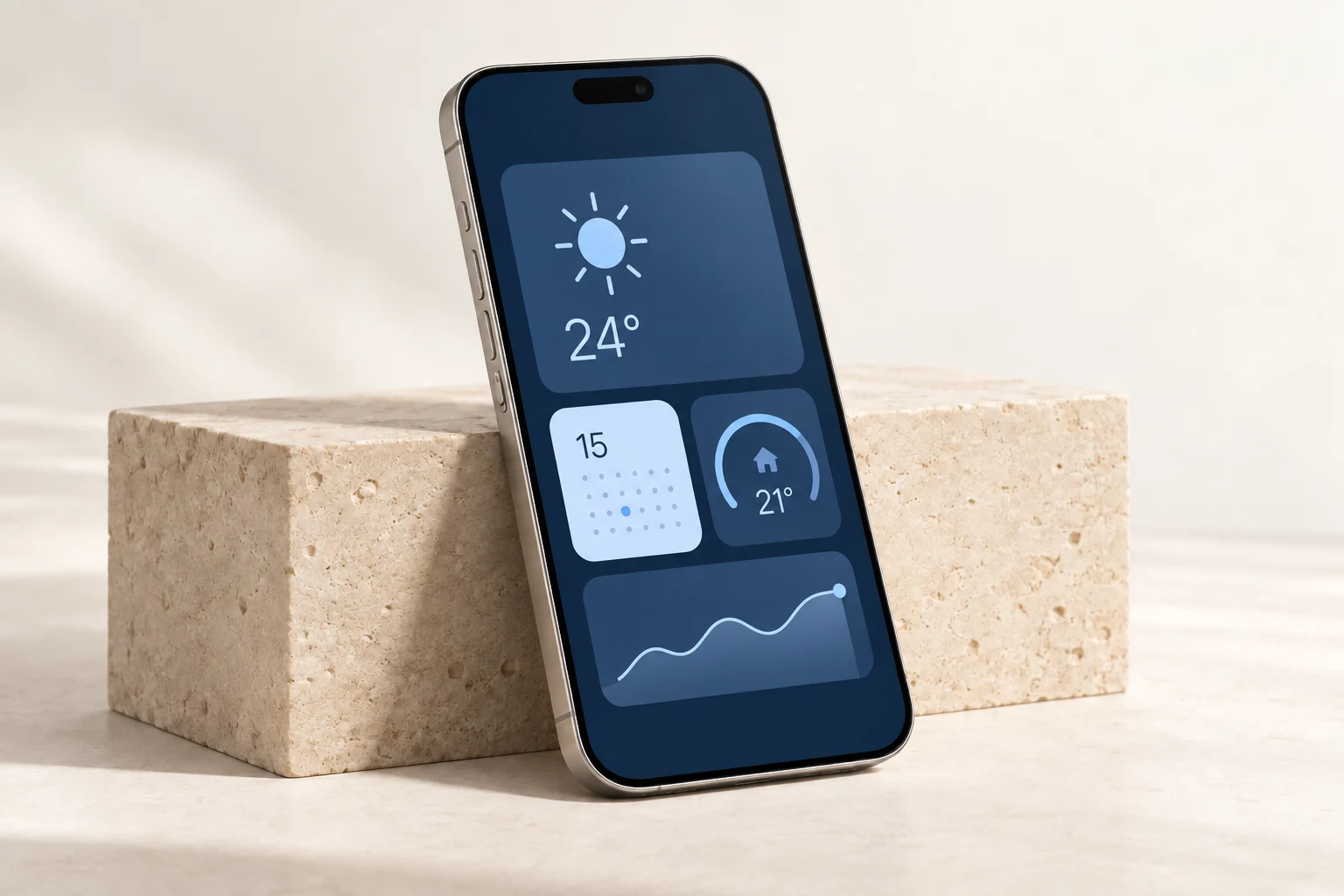
Values, labels, gauges, icons, and images.
Home Screen, Lock Screen, and iPad.
Choose the layout that feels right.
Simple by design
Just a few steps between your data
and something you can use.
Add an HTTPS JSON URL and test it. Your existing data is the starting point.
Map JSON fields to values, labels, icons, images, and gauges.
Add your widget to your Home Screen, Lock Screen, or another supported WidgetKit surface.
At home. On the go.
Small and medium widgets for everyday essentials. Larger layouts and more Lock Screen options with Pro.
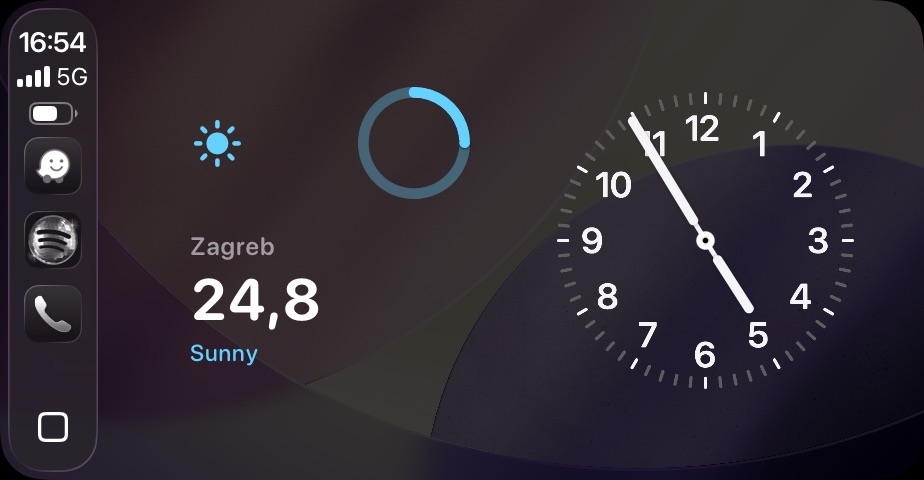
Widgeta uses supported WidgetKit surfaces. It is not a standalone CarPlay app.
Made for real life
Weather stations, solar production, room temperature, and smart home sensors.
Keep API health, build state, or a useful server metric in view.
Make a daily habit, reading target, or personal milestone part of your screen.
A simple connection
Choose nested values with JSON paths like weather.current.temperature or items[0].price. No need to build your own widget extension.
{
  "location": "Zagreb",
  "temperature": 24.8,
  "condition": "Sunny",
  "humidity": 42,
  "icon": "sun.max.fill",
  "accent": "#64D2FF",
  "progress": {
    "value": 0.78,
    "label": "Daily target"
  }
}
Free to start. Room to grow.
Find your workflow first.
Upgrade when you need more.
Try it out. Find your everyday use.
One purchase. No subscription.
For iPhone and iPad. iOS 17 or later. Pricing is shown in your app store. The operating system controls actual refresh timing.
Widgeta is an iPhone and iPad app for turning values from JSON endpoints into configurable WidgetKit widgets. It is focused on small, useful pieces of live data rather than full dashboards.
Widgeta designs the small WidgetKit surface to work well in the CarPlay widget stack where available. It is not a separate standalone CarPlay template app.
You need a JSON endpoint, but you do not need to write an iOS widget extension. In Widgeta, you add the URL, test the response, pick JSON paths, and choose a widget layout.
Widgeta supports dot notation for nested values, such as weather.current.temperature, and bracket notation for arrays or special keys, such as items[0].price or ["current-value"].
Yes, with Pro you can add custom HTTP headers to a data source. HTTPS is expected for internet endpoints. Plain HTTP is limited to local or private-network hosts.
The free plan uses a 15-minute refresh interval, and Pro unlocks custom intervals. Because this is WidgetKit, iOS still controls exact refresh timing and may not call the provider at the exact minute.
The app stores cached metric values and records errors. When a refresh fails, the affected value can show a fallback or an unavailable state instead of crashing the widget.
Any JSON leaf value that fits a glanceable widget: numbers, short text, status values, progress ranges, colors, SF Symbols, or HTTPS image URLs.
Widgeta by 3DANA
Start free. Make it yours.