

Start a batch
Name the job and keep related scans together. Find previous batches with search.
Turn barcodes, QR codes, and NFC tags into organized batches and clean exports. From your first scan to a spreadsheet, without the busywork.
Free to start. Optional one-time Pro upgrade.
Take a closer look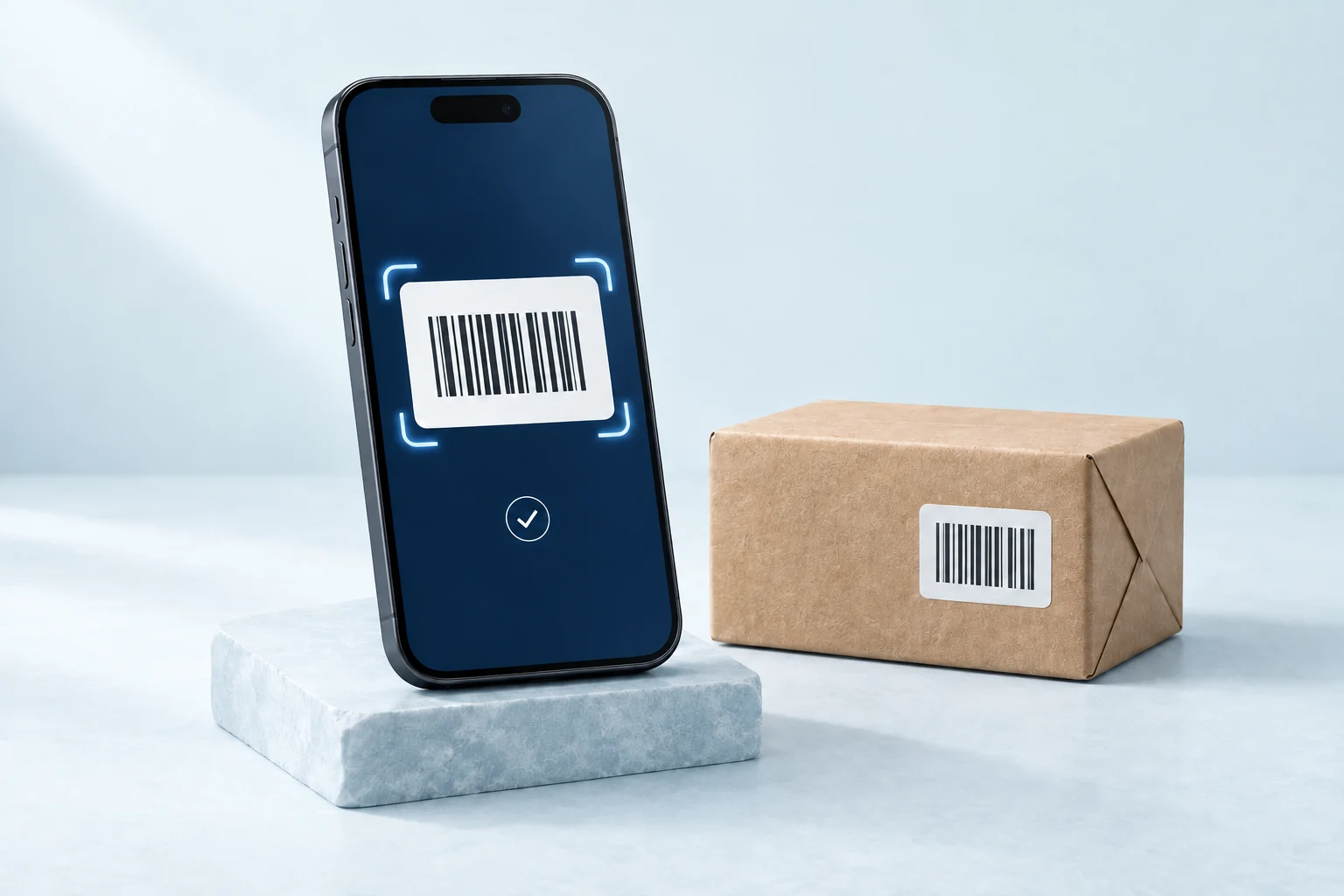
Barcode, QR, NFC, and manual entry.
Named batches and duplicate controls.
Export to CSV, TXT, or XLSX.
Simple by design
Just a few steps between your data
and something you can use.
Name the job and keep related scans together. Find previous batches with search.
Scan with your camera, read supported NFC tags, or enter a code by hand.
Review quantities and notes, then share a clean CSV, TXT, or XLSX file.
From collection to clarity
Allow duplicates, ignore them, or count them as quantities. Pause scanning, undo a scan, or turn on the torch when you need it. Add notes, review your batch, and choose exactly what goes into the export.
| Code | Type | Qty |
|---|---|---|
| 3851234567890 | EAN-13 | 3 |
| BOX-A17 | QR | 1 |
| SHELF-04 | NFC | 1 |
| ITEM-208 | Manual | 2 |
Made for real life
Count repeat scans as quantities, then take the results into your spreadsheet.
Capture equipment labels, shelf codes, and supported NFC tags on a walkthrough.
Keep incoming products, shipment labels, or event codes in one organized batch.
Free to start. Room to grow.
Find your workflow first.
Upgrade when you need more.
Try it out. Find your everyday use.
One purchase. No subscription.
Available for iOS and Android. NFC requires compatible hardware. Pricing is shown in your app store.
BatchScan is a mobile app for collecting barcodes, QR codes, NFC tags, and manual entries into named batches, then exporting those batches as CSV, TXT, or XLSX files.
BatchScan supports QR, EAN-8, EAN-13, UPC-E, Code 39, Code 93, Code 128, PDF417, Aztec, Data Matrix, Interleaved 2 of 5, ITF14, and other metadata types available through the device camera. On supported iPhone devices, BatchScan can also read NFC NDEF text and URL tags.
BatchScan reads supported NDEF text and URL tags on compatible NFC devices. It is designed for close-range NFC tags, not long-range RFID warehouse readers. NFC availability depends on your device and app version.
Yes. Manual entry is available for damaged labels or codes that cannot be scanned.
You can allow duplicates, ignore duplicates, or count duplicates as quantities, depending on the workflow.
No. Scan batches are stored locally on your device. There is no account system, no server storage, and no tracking.
The free version supports up to 30 scans per batch. BatchScan Pro is a one-time purchase that unlocks unlimited scans per batch.
BatchScan by 3DANA
Start free. Make it yours.