
Connect your data
Add a JSON endpoint and test the response. Use custom HTTP headers with Pro for private APIs.
Turn the numbers that matter into beautiful Apple Watch complications. Your home, your servers, your everyday — right on your wrist.

Free to start. Optional one-time Pro upgrade.
Take a closer look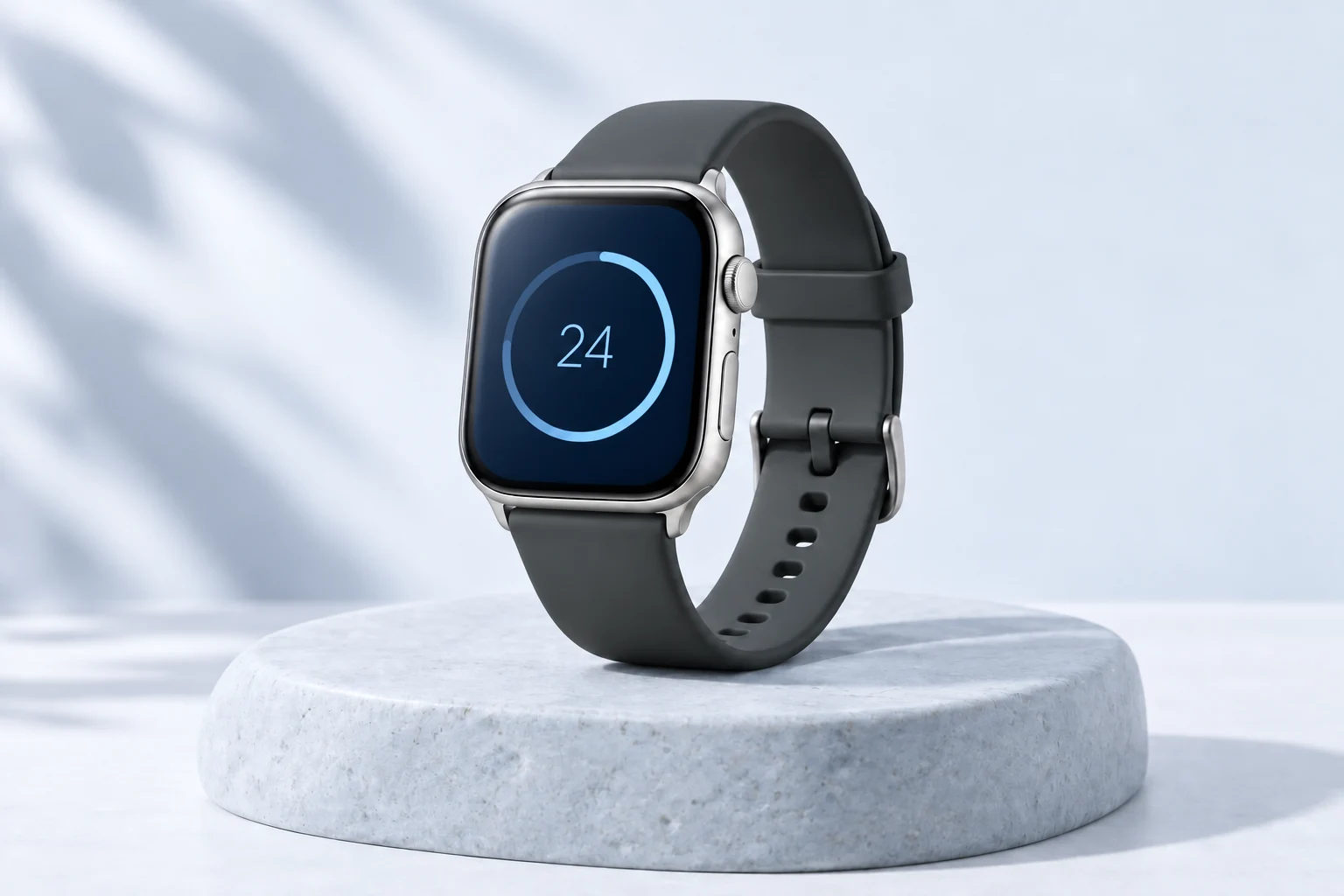
Connect the data you already use.
Find the right fit for your watch face.
Keep a useful fallback offline.
Simple by design
Just a few steps between your data
and something you can use.
Add a JSON endpoint and test the response. Use custom HTTP headers with Pro for private APIs.
Choose your JSON fields, labels, units, colors, and a complication layout.
Add Complica to your watch face. Your most useful information is a glance away.
Made for your watch face
Pick a layout that makes your data
feel right at home.
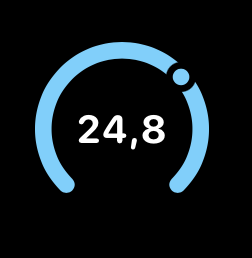
A number, a symbol, or a gauge.

A little more room for context.

A useful value in a single line.
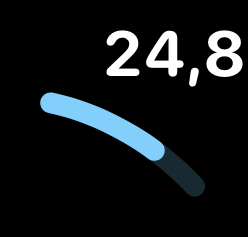
A perfect fit for the corner.
Made for real life
Room temperature, solar production, or the sensor you check most often.
Uptime, latency, deployments, and build status from your own endpoint.
Your habits, reading goals, or any number with a target.
A simple connection
Choose nested values with JSON paths like weather.current.temperature or items[0].price. No need to build your own watch app.
{
  "schemaVersion": 3,
  "source": "Complica demo JSON",
  "updatedAt": "2026-05-16T10:30:00Z",
  "text": "Zagreb",
  "value": 24.8,
  "unit": "C",
  "status": "ok",
  "label": "Sunny",
  "icon": "sun.max.fill",
  "imageUrl": "https://3dana.com/test-image.png",
  "color": "#EC9E38",
  "min": 0,
  "max": 100
}
Free to start. Room to grow.
Find your workflow first.
Upgrade when you need more.
Try it out. Find your everyday use.
One purchase. No subscription.
A paired Apple Watch is required. iOS 17+ and watchOS 10+. Pricing is shown in your app store. The operating system controls actual refresh timing.
No. Complica is focused on watch face complications: short, glanceable values that fit on Apple Watch faces. It is not meant to replace full dashboards like Grafana or Home Assistant.
You need access to a JSON endpoint, but you do not need to build a watchOS app. Add the URL, test the response, choose JSON paths, and map values to a complication layout.
Yes, Pro supports custom HTTP headers for authenticated JSON endpoints. HTTPS is expected for internet endpoints. Plain HTTP should only be used for local or private-network hosts if the app supports it.
No. Complica lets you configure refresh intervals, but Apple Watch complications are powered by WidgetKit/watchOS, which decides the exact refresh timing.
Complica keeps cached values and can show a fallback or unavailable state instead of breaking the complication.
Dot notation for nested values and bracket notation for arrays or special keys, for example weather.current.temperature, items[0].price, or ["current-value"].
Complica is designed to work without third-party advertising trackers or selling personal data. Your endpoints and values are used to power your complications.
Any JSON leaf value that fits a complication: numbers, short text, status values, progress ranges, colors, SF Symbols, or HTTPS image URLs.
Complica by 3DANA
Start free. Make it yours.